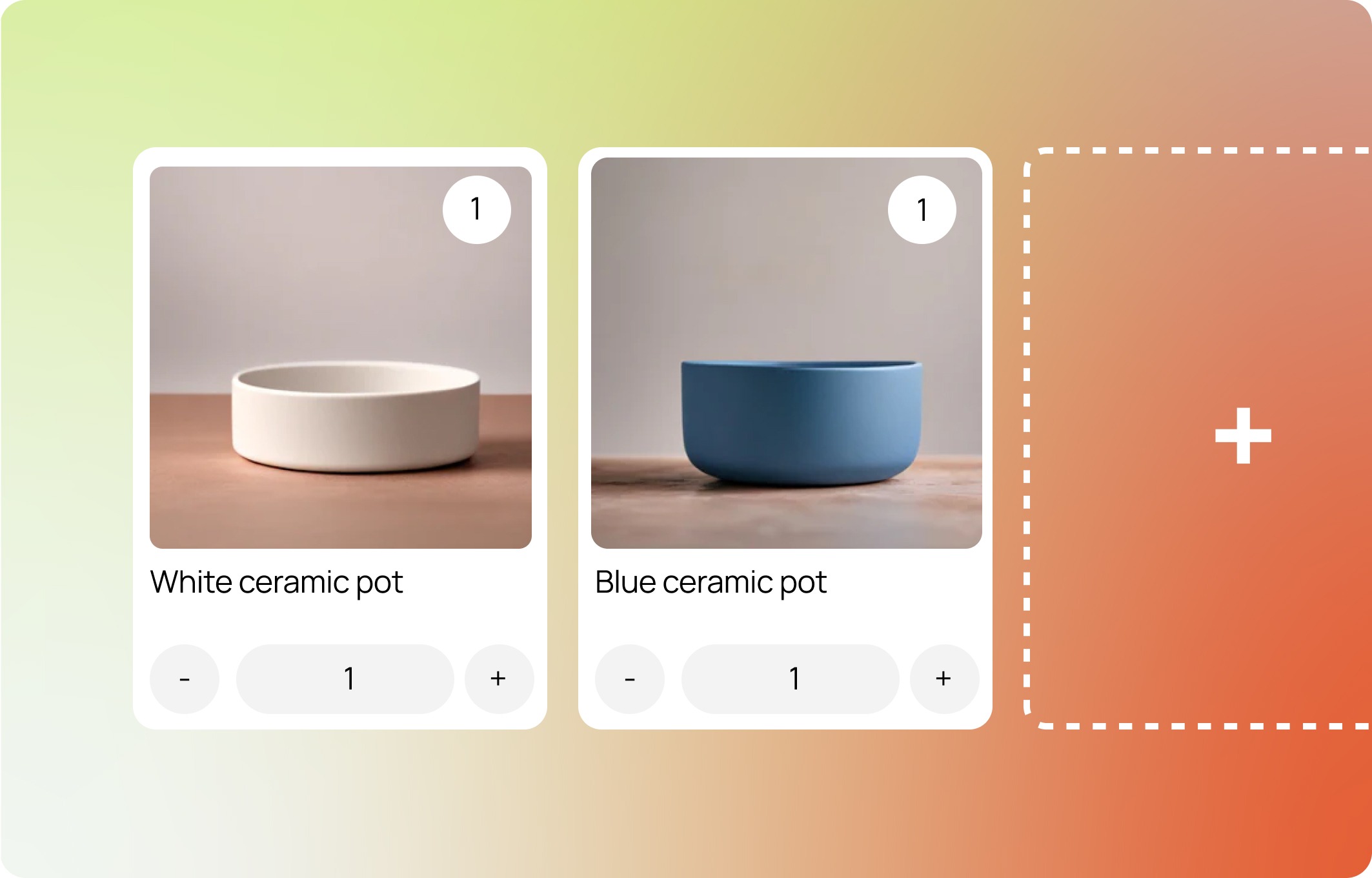
Bundle not showing? Start with My bundle isn't showing on the storefront - start here to find the fix fast.
Getting Started Guide Step 1.3
"App embeds are app-provided elements that float or appear as an overlay in your theme, or add code to your online store without being visible to your customers."
The Biscuits Bundles app embed finds the product cards (also known as grid items) for your bundles on collection pages and in other sections.
The app embed then changes the quick add and quick view buttons on those cards so that they work with your bundles. You choose what the buttons do in the app embed settings:
Quick add dialog: the button opens the bundle builder in a modal or drawer. Shoppers make their choices and add the bundle to the cart without leaving the page.
Replace: the button becomes a link to the bundle page. Shoppers make their choices there.
Hide or Disable: the button is hidden, or it shows but shoppers cannot click it.
Luckily Biscuits Bundles makes enabling the app embed quick and simple, just open the Installation page of the app and click "Activate app embed in your theme" on step 3.
[screenshot - Installation page step 3 with the Activate app embed in your theme button]
If you would rather do this manually you can:
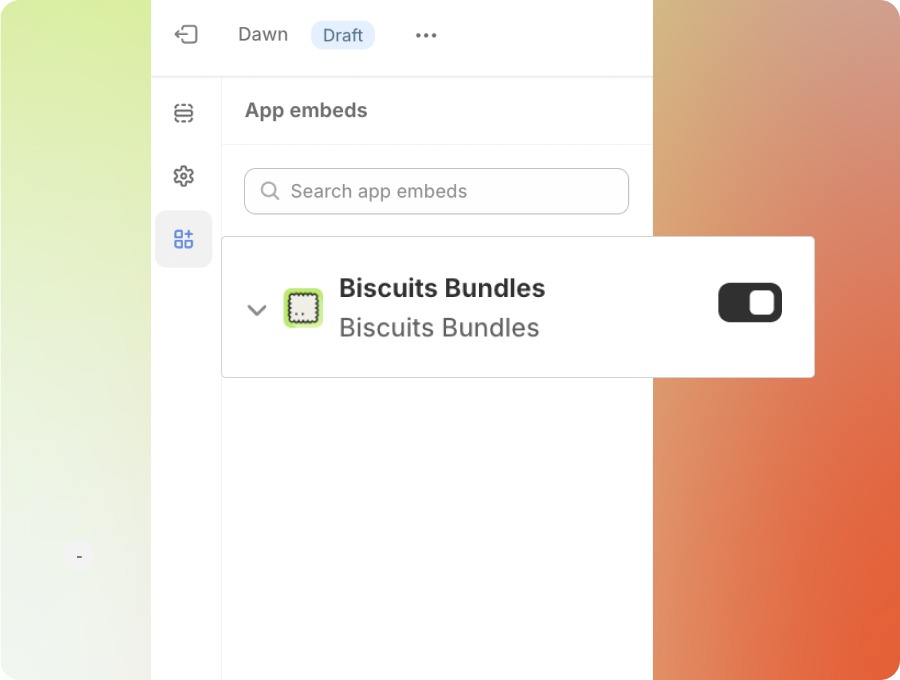
[screenshot - theme editor App embeds tab with the Biscuits Bundles toggle turned on and its settings open]
1. Open the theme editor
2. Navigate to the app embeds tab on the left hand side.
3. Scroll until you see Biscuits Bundles, enable the toggle next to this item and click the arrow to expand the block settings.
4. Adjust the quick add and quick view settings to suit your preferences.
Configuring app embed
For more details on the Biscuits App Embed settings see our guide:
App embed: quick add and quick view settings
UP NEXT: Getting Started Guide Step 2