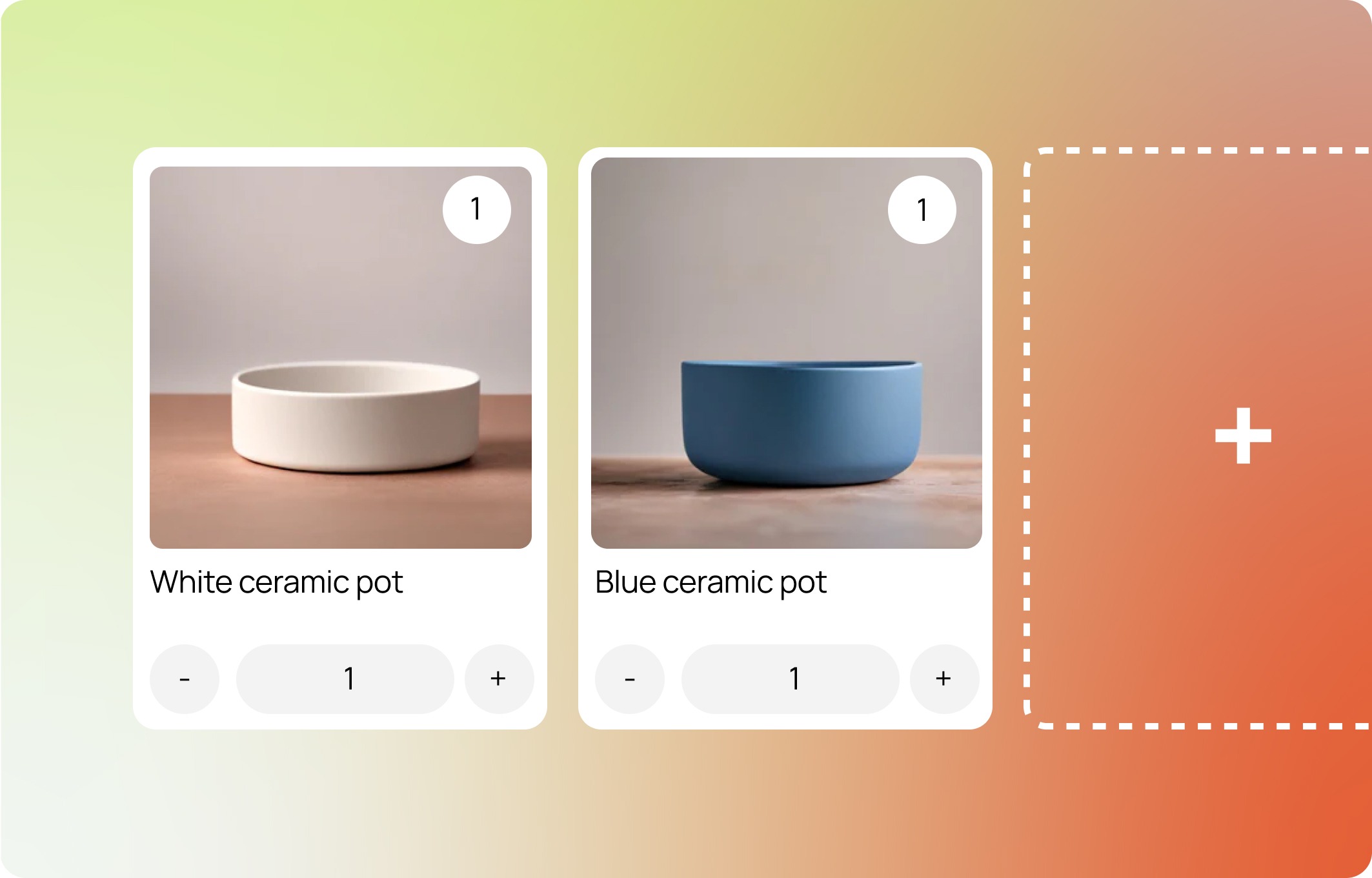
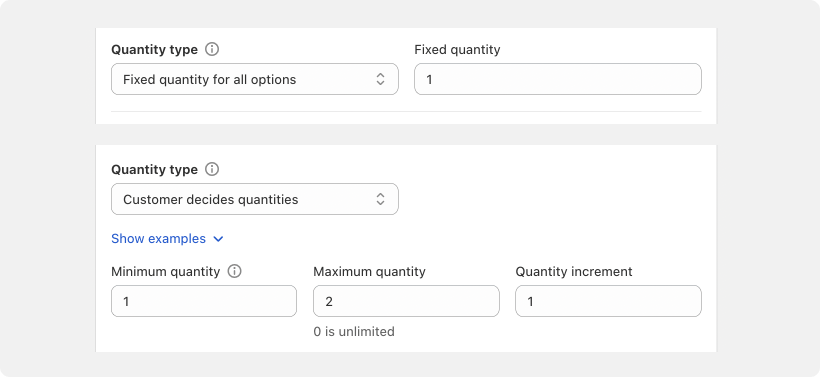
Quantity type defines the minimum and maximum quantity across the whole step
ℹ If you turn on the Add to bundle button, customers add each product with a button and set a quantity for each option they add, rather than using the quantity selector. See Add to bundle button.
Fixed
You set what quantity each item will have.
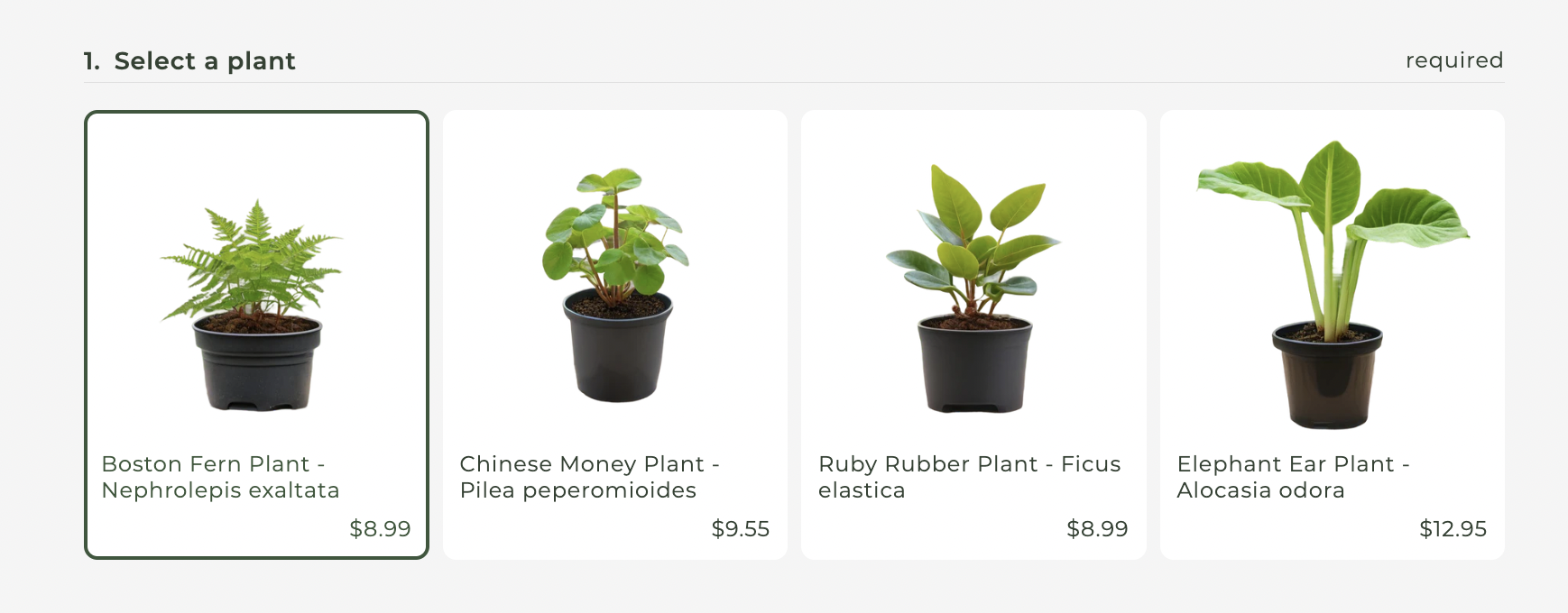
The quantity selector will be hidden by default if your quantity is set to fixed.
Varies
Customers must select at least a minimum number of items, but no more than a specified maximum. Set the maximum to 0 for no limit.
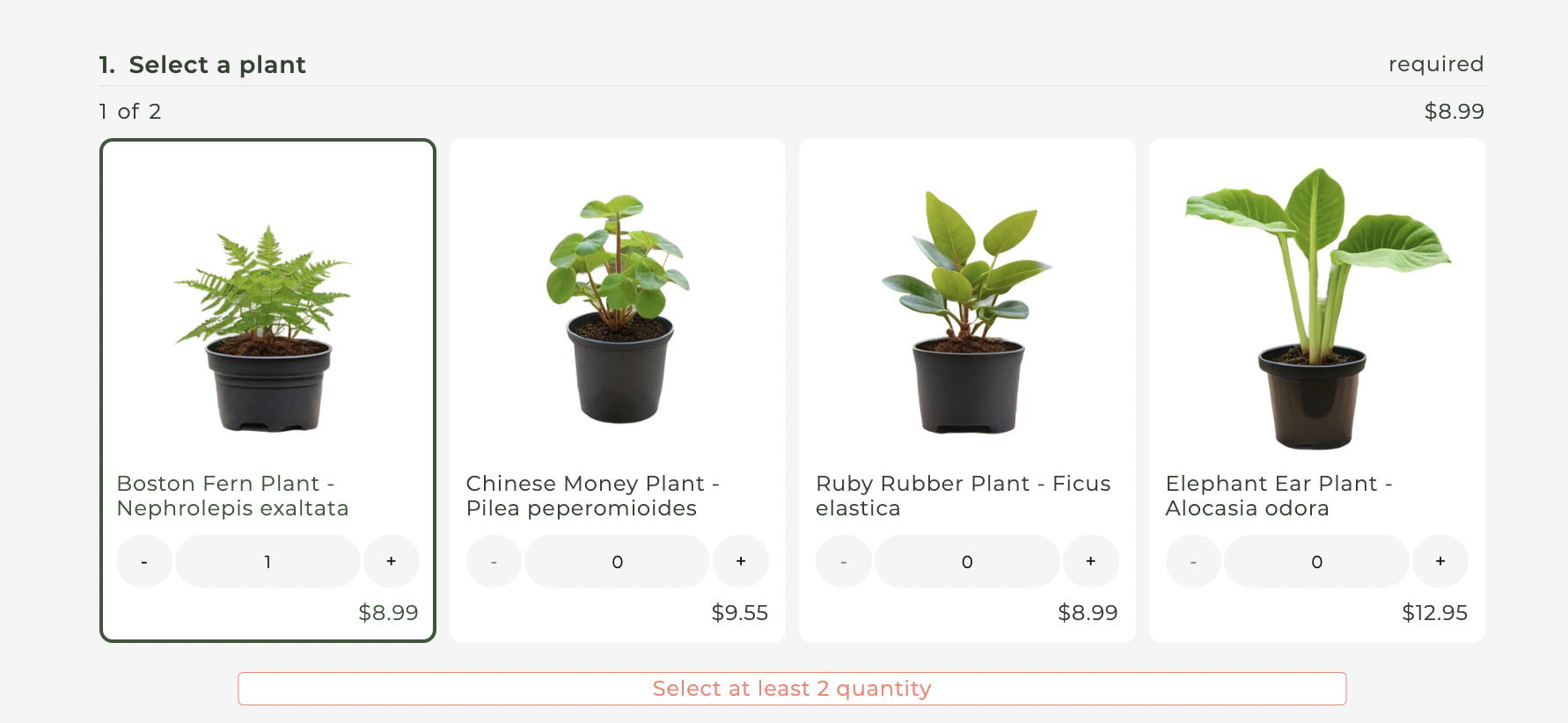
Quantity type varies and has a minimum quantity of 2.
LEARN MORE: 🌟 Getting Started Guide Step 2