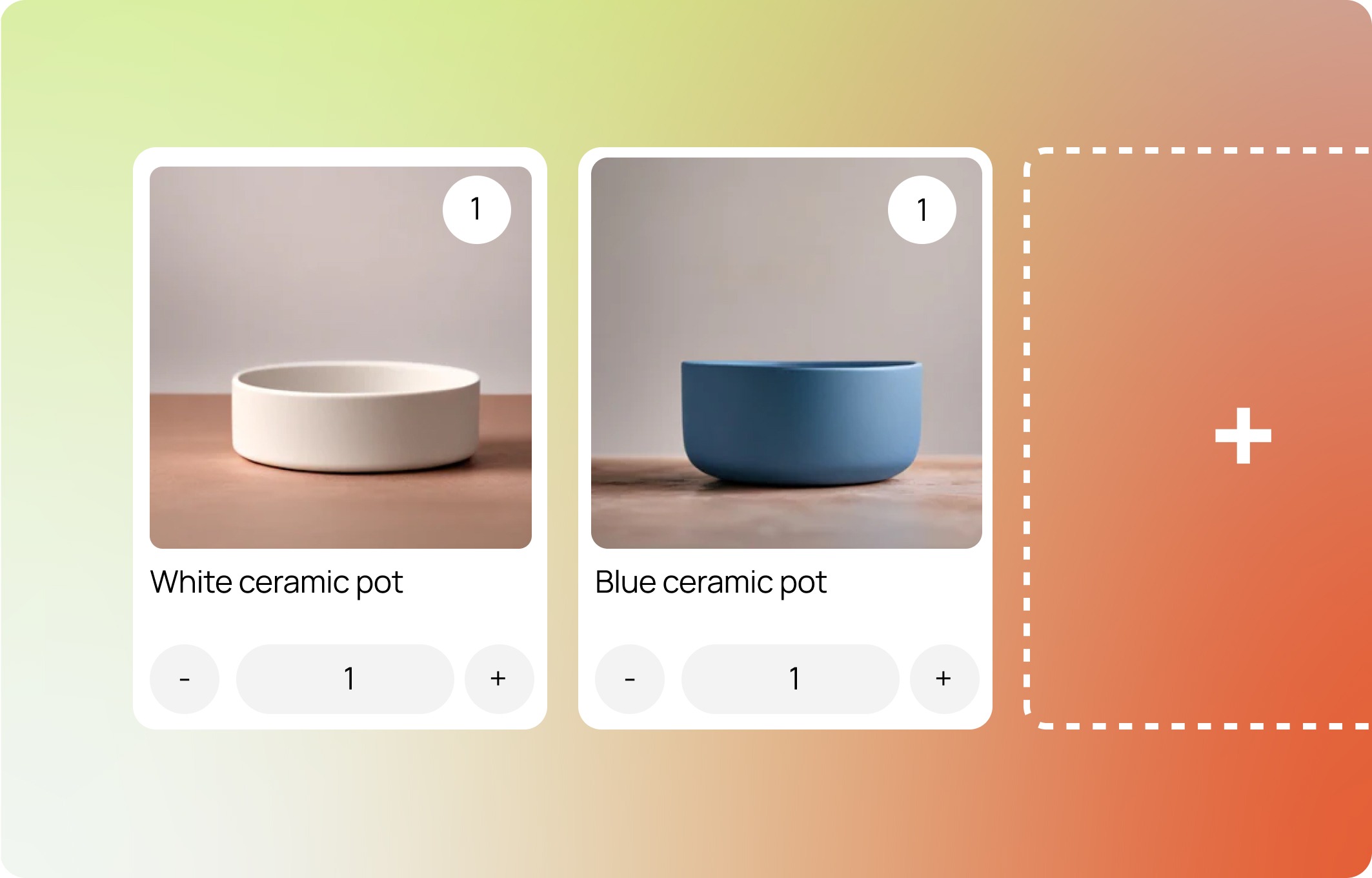
Total bundle price equals the combined price of all selected items.
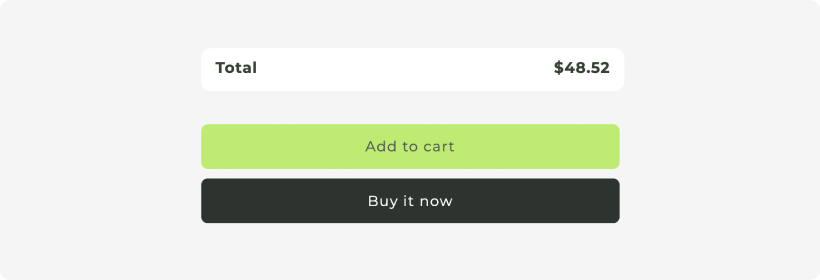
Set a specific price for the entire bundle, regardless of individual item costs.
You can also give a Fixed Total Price bundle a localised total price per country/market, set in each market's own currency using Shopify Markets catalogs. See Localised bundles: pricing for Shopify Markets.
[screenshot - the Localise pricing control on a Fixed Total Price bundle, with a per-country price entered]
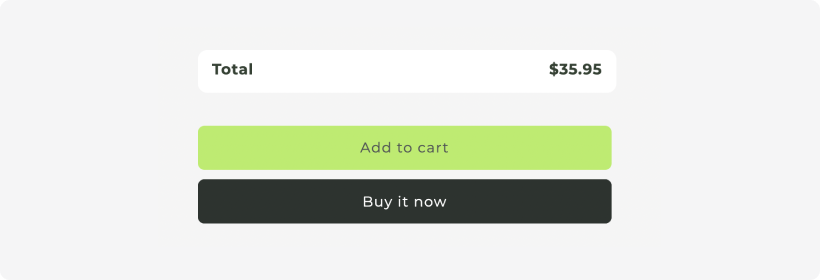
Apply a specified percentage discount to the total price of selected items in the bundle.
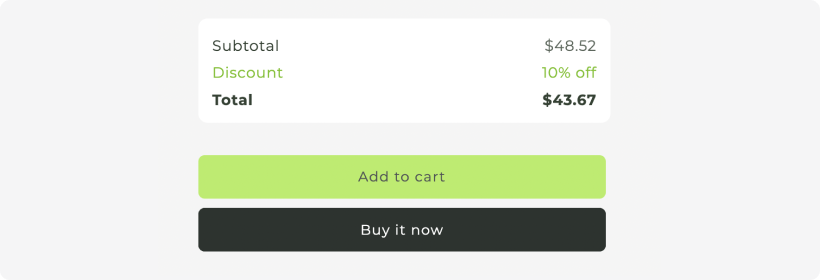
Subtract a fixed dollar amount from the total price of selected items in the bundle.
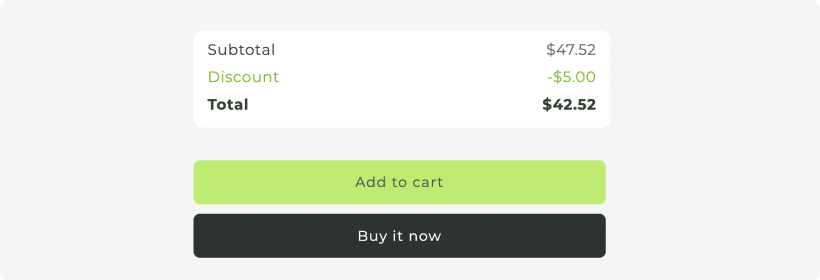
The total number of items selected in the bundle will increase or decrease a discount. This discount can be a $ amount, percentage % or determine the fixed price for the total bundle.
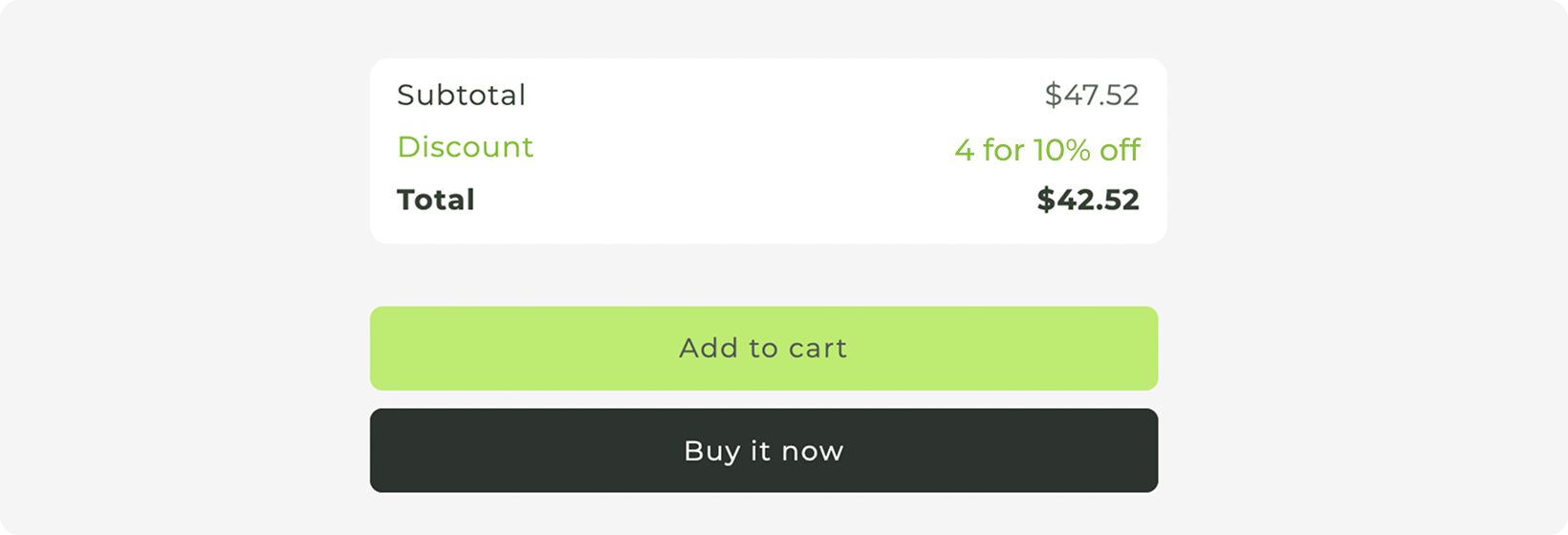
Every discount type can be localised for Shopify Markets, except volume discounts set to a fixed bundle price. Fixed Total Price bundles take an exact price per catalog; every other type has its market price built from the component products' local prices.
Percentage gives the same saving in every market, so it is the most predictable choice when you sell in several.
Amount converts with the exchange rate, so the saving varies slightly by market.
Sum of Products works in every market.
See Localised bundles: pricing for Shopify Markets.
A note on the price shown on your bundle product: it is calculated from the bundle's default components, the items a customer receives if the bundle is added to the cart without any choices. See Default components.
LEARN MORE: Getting Started Guide Step 2